Well obviously. That's what I said I'm trying to do lol. My question is where is that code?
I found this code but the circled numbers don't actually move it and idk anything else here that looks like coordinates.
By default these numbers are "4, 0". I set the "0" to "20" and the icon seemed to move to the left but was immediately cut off (you could only see the right half of it). So I tried changing it to "-100" to move it way to the right but then a giant white "=" sign took its place where it originally was and the icon was gone.
So this doesn't seem to be where you can move it around, despite the code looking like it is which makes me very confused.
Well obviously. That's what I said I'm trying to do lol. My question is where is that code?
I found this code but the circled numbers don't actually move it and idk anything else here that looks like coordinates.
By default these numbers are "4, 0". I set the "0" to "20" and the icon seemed to move to the left but was immediately cut off (you could only see the right half of it). So I tried changing it to "-100" to move it way to the right but then a giant white "=" sign took its place where it originally was and the icon was gone.
So this doesn't seem to be where you can move it around, despite the code looking like it is which makes me very confused.
You circled the Y position value (so edit that if you need to change the icons y position) and the starting X position of determining what portion of the graphic to draw. Don't change that value. You need to add/subtract from the value set before the 4, which sets the X position value.
Well obviously. That's what I said I'm trying to do lol. My question is where is that code?
I found this code but the circled numbers don't actually move it and idk anything else here that looks like coordinates.
By default these numbers are "4, 0". I set the "0" to "20" and the icon seemed to move to the left but was immediately cut off (you could only see the right half of it). So I tried changing it to "-100" to move it way to the right but then a giant white "=" sign took its place where it originally was and the icon was gone.
So this doesn't seem to be where you can move it around, despite the code looking like it is which makes me very confused.
Yes, it is. The coordinates are obviously designed for the default UI.
The base numbers aren't 4, 0. They are @spriteBaseX + specialX + 4, 0. The X coordinates are calculated based on the bitmap base and then adjusted based on which side's databox its on (foe, player). Since youre using a custom UI, I have no idea what these values are, that's something you would know, not me.
The Y coordinates are obviously limited to the size of the bitmap of your databoxes. Again, since youre using a custom UI, idk what the dimensions or values of this would be - that's something you would know. -100 wouldnt make any sense though, regardless. Because if youre setting the icon outside of the bounds of the bitmap, of course it won't show on screen.
Idk how complex your custom UI is (if it's totally rewritten code from the ground up, or simple pallette swaps of the default UI), but it seems its something you must've installed instead of designed, since you dont seem too familiar with the UI code.
You circled the Y position value (so edit that if you need to change the icons y position) and the starting X position of determining what portion of the graphic to draw. Don't change that value. You need to add/subtract from the value set before the 4, which sets the X position value.
I don't understand what you mean. I'm not a coder at all but literally every other part of the base Essentials UI was moved around by simply adjusting a predefined X and Y coordinates.
Which number is the Y position? I circled 2 numbers.
I just want to move the icon slightly to the left and down, if it'll let me do that without getting cut off (for some reason). If I can't do that, then I need to move it way to the right and down. How would I do that?
I don't understand what you mean. I'm not a coder at all but literally every other part of the base Essentials UI was moved around by simply adjusting a predefined X and Y coordinates.
Which number is the Y position? I circled 2 numbers.
I just want to move the icon slightly to the left and down, if it'll let me do that without getting cut off (for some reason). If I can't do that, then I need to move it way to the right and down. How would I do that?
The Y value is the first number, the 4. The x value is the addition of the two variables before the 4. I showed you the order of things at the end of my last post..
You can add "+ 15" or something just after "specialX" to see it move the x value.
(Actually going on my computer instead of my phone)
The Y value is the first number, the 4. The x value is the addition of the two variables before the 4. I showed you the order of things at the end of my last post..
You can add "+ 15" or something just after "specialX" to see it move the x value.
(Actually going on my computer instead of my phone)
Hello, I am having an issue with this plugin. Mainly that the tera button on battle doesn't appear. I've made sure terastallization is enabled in debug, that I have the orb and it is full and has infinite charges, and ensured the pokemon has a tera type. the mega, dynamax and z-move buttons do appear and work (haven't tested ultra burst).
I have tried deleting the PluginSettings file, recompiling the game, and re-installing the terastallization plugin, and starting a new save, but no luck. I read here that Turdus_V had a similar issue, but I don't know how to refresh plugin scripts (I am new to Essentials and RPG Maker), or what exactly do I have to do with the meta file, because my game does seem to detect this plugin.
Here is what appears in the console when it compiles. I have no clue if this will be helpful, but I'll put it here just in case:
After this happens however, the battle continues as normal with no issue, with the pokemon terastallized. I have no clue why this happens, or if its related. Any help is greatly appreciated.
Hello, I am having an issue with this plugin. Mainly that the tera button on battle doesn't appear. I've made sure terastallization is enabled in debug, that I have the orb and it is full and has infinite charges, and ensured the pokemon has a tera type. the mega, dynamax and z-move buttons do appear and work (haven't tested ultra burst).
I have tried deleting the PluginSettings file, recompiling the game, and re-installing the terastallization plugin, and starting a new save, but no luck. I read here that Turdus_V had a similar issue, but I don't know how to refresh plugin scripts (I am new to Essentials and RPG Maker), or what exactly do I have to do with the meta file, because my game does seem to detect this plugin.
Here is what appears in the console when it compiles. I have no clue if this will be helpful, but I'll put it here just in case:
After this happens however, the battle continues as normal with no issue, with the pokemon terastallized. I have no clue why this happens, or if its related. Any help is greatly appreciated.
Hello, I am having an issue with this plugin. Mainly that the tera button on battle doesn't appear. I've made sure terastallization is enabled in debug, that I have the orb and it is full and has infinite charges, and ensured the pokemon has a tera type. the mega, dynamax and z-move buttons do appear and work (haven't tested ultra burst).
I have tried deleting the PluginSettings file, recompiling the game, and re-installing the terastallization plugin, and starting a new save, but no luck. I read here that Turdus_V had a similar issue, but I don't know how to refresh plugin scripts (I am new to Essentials and RPG Maker), or what exactly do I have to do with the meta file, because my game does seem to detect this plugin.
Here is what appears in the console when it compiles. I have no clue if this will be helpful, but I'll put it here just in case:
After this happens however, the battle continues as normal with no issue, with the pokemon terastallized. I have no clue why this happens, or if its related. Any help is greatly appreciated.
Discord is great for playing games and chilling with friends, or even building a worldwide community. Customize your own space to talk, play, and hang out.
Loving the plugin so far! Running into a snag that is purely due to my own lack of scripting ability (which is basically 0 with Ruby).
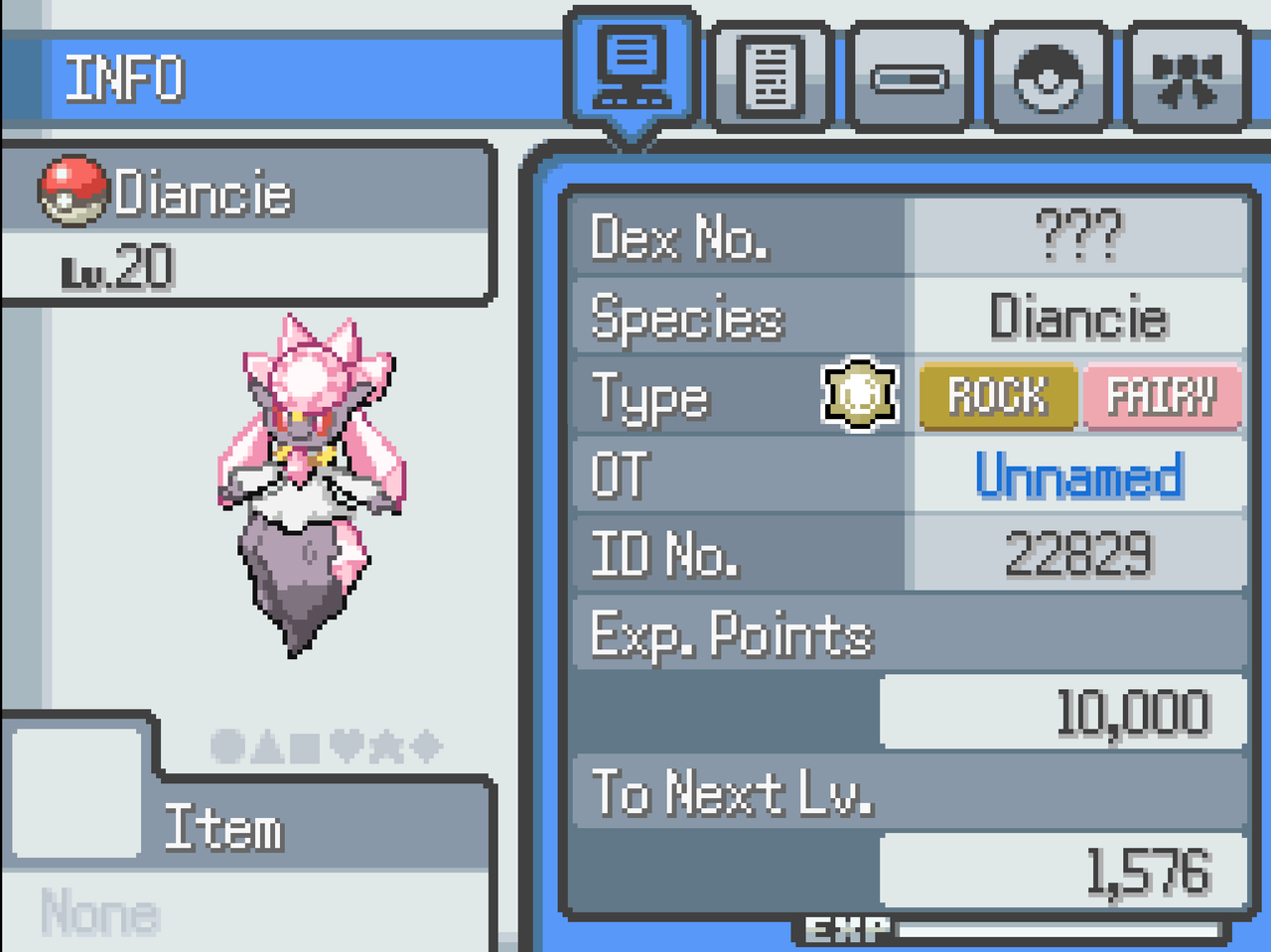
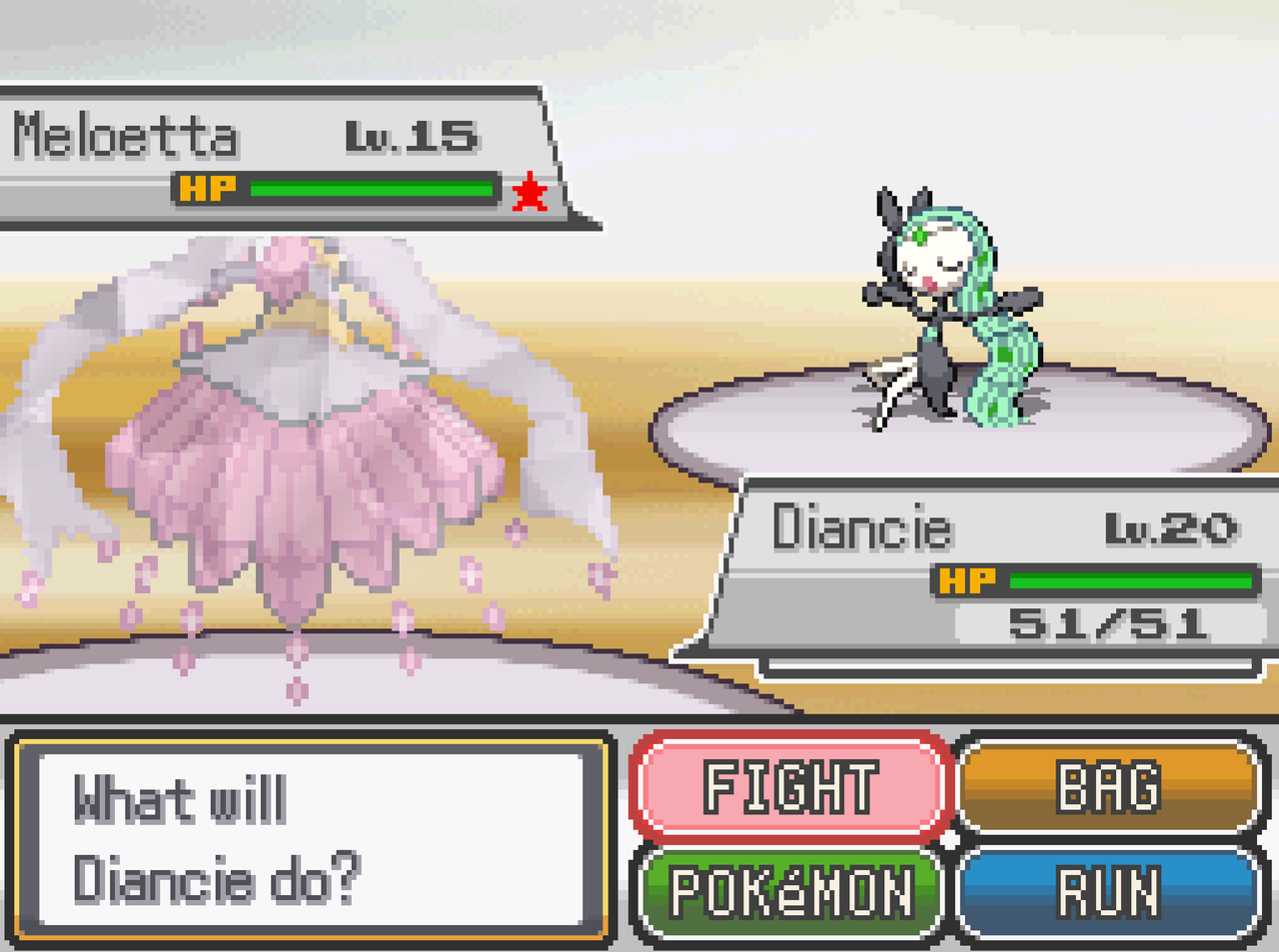
I'm trying to make it so that Diancie's mega evolution is triggered when it Teras, instead of actually being a mega evolution. I was hoping to model it after Ogerpon and Terapagos, but I'm having some trouble. I tried to use a certain evil chatbot to figure it out with no success.
I've added this to a new script section:
MultipleForms.register(:DIANCIE, {
"getTerastalForm" => proc { |pkmn|
next 1
},
Loving the plugin so far! Running into a snag that is purely due to my own lack of scripting ability (which is basically 0 with Ruby).
I'm trying to make it so that Diancie's mega evolution is triggered when it Teras, instead of actually being a mega evolution. I was hoping to model it after Ogerpon and Terapagos, but I'm having some trouble. I tried to use a certain evil chatbot to figure it out with no success.
I've added this to a new script section:
It does cause it to form change, but I get this error immediately after.
[2026-02-15 21:52:40 -0500]
[Pokémon Essentials version 21.1]
[v21.1 Hotfixes 1.0.9]
Exception: ArgumentError
Message: Invalid argument passed to method.
Expected nil to be one of [Symbol, GameData::Type, String], but got NilClass.
The error has nothing to do with what you're doing. You just need to generate a new Diancie. It must have existed in your party prior to installing the Tera plugin, thus is has no Tera type.
Generated a new Diancie. Both the old and new ones do have tera types going in. I can activate tera during battle, the form changes during the tera animation, then the error message comes up. The first message usually doesn't crash the game, but it's not actually terastalized (well, actually, I think it's typeless terastalized). When I go to end the battle, another error comes up and the game fully crashes. All other mons (including Ogerpon) are able to tera without issue.
Generated a new Diancie. Both the old and new ones do have tera types going in. I can activate tera during battle, the form changes during the tera animation, then the error message comes up. The first message usually doesn't crash the game, but it's not actually terastalized (well, actually, I think it's typeless terastalized). When I go to end the battle, another error comes up and the game fully crashes. All other mons (including Ogerpon) are able to tera without issue.
Did you remove the Mega Stone requirement from Mega Diancie in its PBS data? Megas are inherently incompatible with Terastallization, thus their Tera type will aways be nil. You have to specifically make it so Mega Diancie is no longer considered a Mega form.
Did you remove the Mega Stone requirement from Mega Diancie in its PBS data? Megas are inherently incompatible with Terastallization, thus their Tera type will aways be nil. You have to specifically make it so Mega Diancie is no longer considered a Mega form.
I'm trying to add a code to have the opposing Pokemon break tera at certain points in the battle. I used the information provided in the guide to create this code in the MidBattle Handlers script, however, nothing happens when this code is called. Is there someway to get this working?
I'm trying to add a code to have the opposing Pokemon break tera at certain points in the battle. I used the information provided in the guide to create this code in the MidBattle Handlers script, however, nothing happens when this code is called. Is there someway to get this working?
So, you're trying to hardcode this script? Or are you trying to make a command that you can call within a Midbattle Script? Because what you have here is a hardcoded script.
Which, if that's the case, you havent defined any battlers here, particularly the one that is meant to unTera. You also havent defined when this is supposed to trigger.
So, you're trying to hardcode this script? Or are you trying to make a command that you can call within a Midbattle Script? Because what you have here is a hardcoded script.
Which, if that's the case, you havent defined any battlers here, particularly the one that is meant to unTera. You also havent defined when this is supposed to trigger.
Well, youre using a hardcoded script command for writing entire battle scripts, not one for making a new command call. Look at the dozens of trigger command examples in the plugin.
This section is for the discussion of the tutorials and resources on Eevee Expo. To find tutorials and resources, check out the Tutorial and Resource Manager for optimal navigation.

![Terastallization [DBK Add-On] [v21.1]](/data/resource_icons/1/1476.jpg?1706310615)