
• Do not use Discord to host any images you post, these links expire quickly! You can learn how to add images to your posts here.
  • Reminder: AI-generated content is not allowed on the forums per the Rules and Regulations. Please contact us if you have any questions!
Resource icon

Resource Spin Tiles 1.0

eagleowl4lyfe

Novice
Member
Joined
Mar 3, 2025
Posts
11
eagleowl4lyfe submitted a new resource:

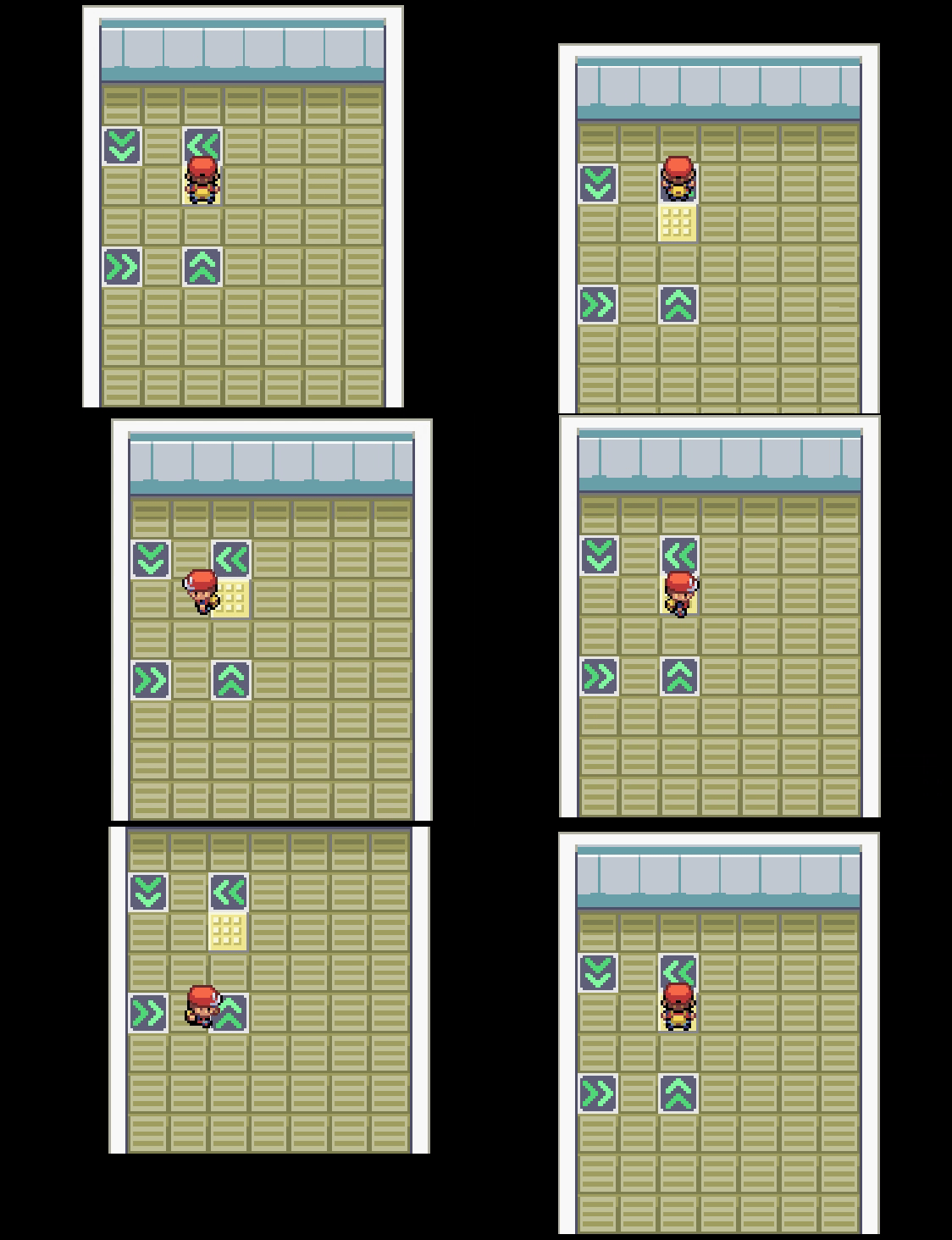
Spin Tiles - Adds Terrain Tags for tiles that force a player into spinning a certain direction

Adds spin tiles in a very easy to manage way, using Terrain Tags instead of event scripts.
bxvEm.gif


Installation Instructions:
1. Download the plugin and paste in your Plugins folder
2. Update the terrain tag ID numbers if they collide with any of your currently registered tags (line 22).
3. Update the PBS/metadata.txt file to include a "SpinCharset" for each one of your playable characters.
3.1. This is basically the...

Read more about this resource...
 
Just a note, this does not play nicely with enls' fancy camera. The camera is really jumpy with it
 
Just a note, this does not play nicely with enls' fancy camera. The camera is really jumpy with it
Just went and downloaded this to test. If you make the following changes, it will work a lot better:

On line 124, replace the line "event.center(event.x, event.y)" with "pbCameraReset"

Ruby:
Expand Collapse Copy
   event.walk_anime = prev_walk_anime 
   pbCameraReset  # new add this
   # This line is removed event.center(event.x, event.y)
   $PokemonGlobal.spinning = false

and on line 161 add the line "pbCameraSpeed(2)"


Code:
Expand Collapse Copy
def set_movement_type(type)
    if type == :spinning
      pbCameraSpeed(2)  # Brand new
      meta = GameData::PlayerMetadata.get($player&.character_ID || 1)
      new_charset = pbGetPlayerCharset(meta.spin_charset)
      self.move_speed = 4 if !@move_route_forcing
      @character_name = new_charset if new_charset
 
Back
Top